Viewing Windows Firewall Rules in the registry
Windows Firewall Rules are available in the Windows registry, under the following path:
HKEY_LOCAL_MACHINE\SYSTEM\ControlSet001\Services\SharedAccess\Parameters\FirewallPolicy\Mdm\FirewallRules
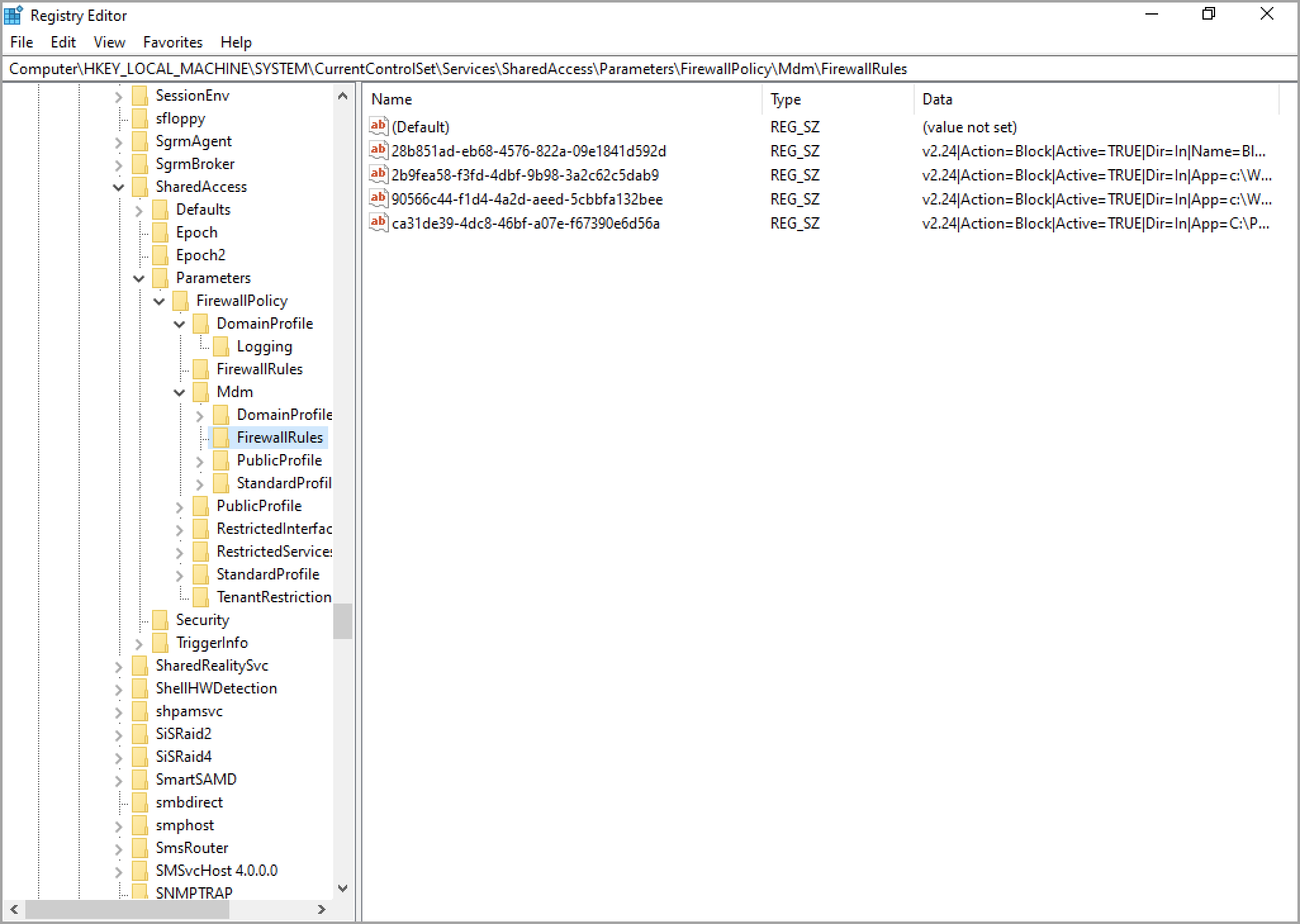
Each rule is stored as a string with elements separated by a pipe '|'.